Product · Control layer
FinSAFE
The sandbox for agent actions
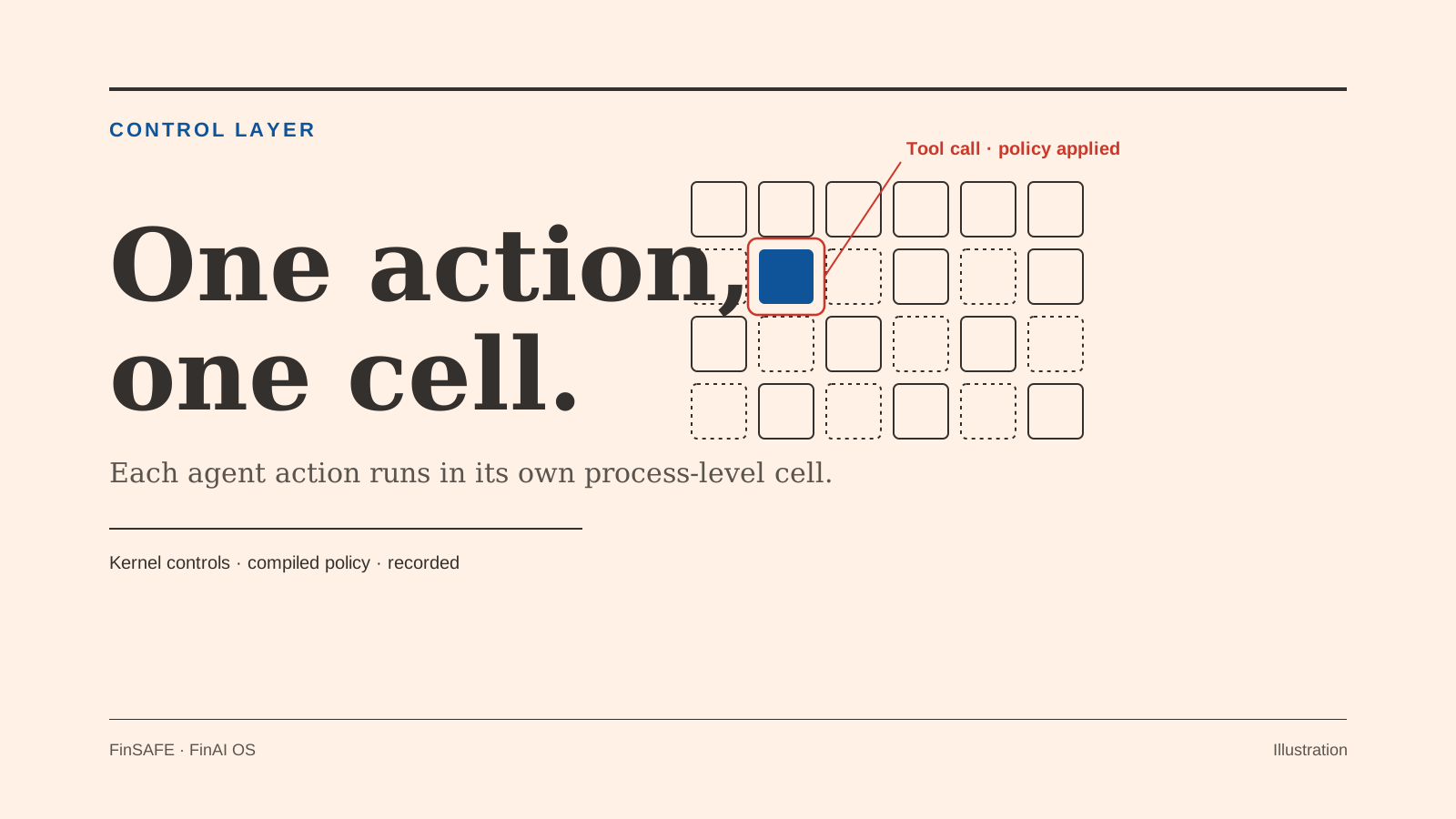
The usual way to make an agent safe is to give it a whole computer, a container or virtual machine that holds memory even while the agent is idle. FinSAFE goes one level smaller. Each tool call or turn runs in its own process-level cell, built from kernel controls, governed by a compiled policy, and recorded. The same sandbox runs as a service on your servers and on employees' desktops.
Free download · Open source coming soon
Install FinSAFE
One command installs the free personal CLI. The script downloads the latest release and checks it against its published checksums.
macOS and Linux
curl -fsSL https://raw.githubusercontent.com/finogeeks/finsafe/main/install.sh | shNeeds curl, tar and zstd.
Windows (PowerShell 5.1 or later)
irm https://raw.githubusercontent.com/finogeeks/finsafe/main/install.ps1 | iexWindows may ask for permission once during setup.
See it run
finsafe --visualWhere it sits
The sandbox under every agent in FinAI OS
FinGuard decides whether an action should happen; FinSAFE contains how it runs. On servers, FinHub runs its agent runtimes in FinSAFE's sandbox service by default, one sandbox per execution, and syncs each tenant's policy to the cells. On desktops, FinDesk ships the desktop build, and each local agent runs inside it by default on macOS, Windows and Linux. Sold on its own, FinSAFE can wrap an agent you already run.
Sold on its own or integrated with the other FinAI OS products.
Capabilities
What FinSAFE does
Four things a security team needs before an agent is allowed to run code or call out.
- 1
Process-level cells
One execution, one cell. On Linux, cells use bubblewrap, seccomp, cgroup v2 and Landlock. There is no full guest operating system per agent.
- 2
Desktop and server, one model
The same isolation approach covers servers and staff desktops (Seatbelt on macOS; on Windows, a restricted-token mode by default, with AppContainer for managed fleets), so policy doesn't split into two stories.
- 3
Governed egress
Network access is set per policy, with four modes: deny, host, proxy or allowlist. Tenant allowlists by domain or CIDR sit on top, and a per-execution proxy keeps credentials out of the cell by swapping in placeholders.
- 4
Policy and proof around the cell
Admission, compiled policy and per-run launch attestation sit outside the cell. In managed mode, a central authority distributes signed policy bundles to agents across a fleet.
Standalone · better with
Useful alone. Stronger in the stack.
FinSAFE can contain an agent you already run. Paired with FinHub and FinDesk, it is the sandbox every server and desktop agent runs in from the first request.
FinSAFE alone
FinSAFE on its own
- Per-action process cells on server and desktop
- Wraps an existing agent process without code changes (`self-confine`, `run`)
- Four network modes, including deny and allowlist
- Per-run launch attestation and managed policy bundles
- Cloud-native containers, on-prem or in your private cloud
- HTTP API with Python, TypeScript and Rust clients
- Free to download for personal use on macOS, Linux and Windows; managed fleets are licensed separately
Better with
FinGuard decides whether an action should happen; FinSAFE contains how it runs. You can set FinSAFE's network allowlist so FinGuard is the only place an agent can reach, and the two are designed to chain so that every enterprise action takes that route.
The platform runs its agent runtimes in FinSAFE by default, one sandbox per execution, and administrators set each tenant's egress and execution policy in one place.
FinDesk ships FinSAFE's desktop build, and every local agent runs inside it by default, from FinClaw to Hermes, Codex, dsh, pi-agent and others.
In the wealth solution
Where agent work is isolated
In Personal Wealth Agents, FinSAFE is the lightweight sandbox that isolates wealth agent tasks.
Lightweight sandbox
Wealth agent tasks run in a lightweight sandbox that isolates agents, so idle capacity can be reclaimed.
No unapproved egress
An agent can reach only the destinations its policy allows.
Contained calculations
Calculations and tool calls run in a cell.
Client app and licensed advisor console shown on the solution page.
Deploy with FDE
Containment that fits your threat model
Forward Deployed Engineers work with your security team to choose postures and policies, prove they hold, and size FinSAFE to your agent load.
Talk to FDE- Step 1
Assess
Map your threat model and decide where agents run, on desktop or server. Start in audit mode: record what agents actually do before you enforce anything.
- Step 2
Ground
Write cell policies and tenant allowlists, and keep secrets out of the cell.
- Step 3
Hand over
Run the confinement verification ladder, align capacity limits with agent concurrency, and hand over to your security and platform teams.
Next step
Let agents act without letting them loose
Talk with a Forward Deployed Engineer about FinSAFE on its own or as part of FinAI OS.